

I want to try Agentforce Nonprofit before deciding if it is the right fit, to do that, we have one of two options
Provisioning Your Org
Option 1: A fully configured org (Org means, an organization system or an instance of Salesforce)
Option 2: An unconfigured org (This is not working as of the time of writing this blog post, go with Option 1)
To obtain any of the two orgs: Visit This Link.
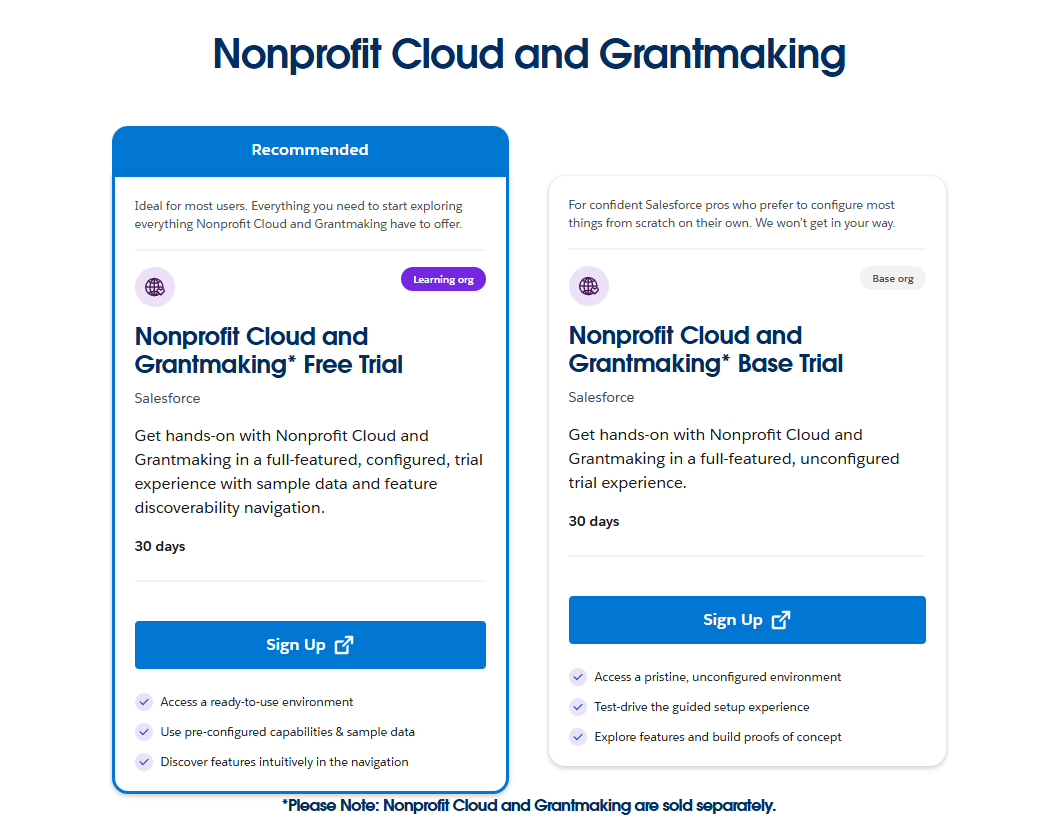
If you are interested in trials of other Salesforce systems, feel free to visit the Developer Free Trials sign-up page.
Provisioning a Full Configured Org
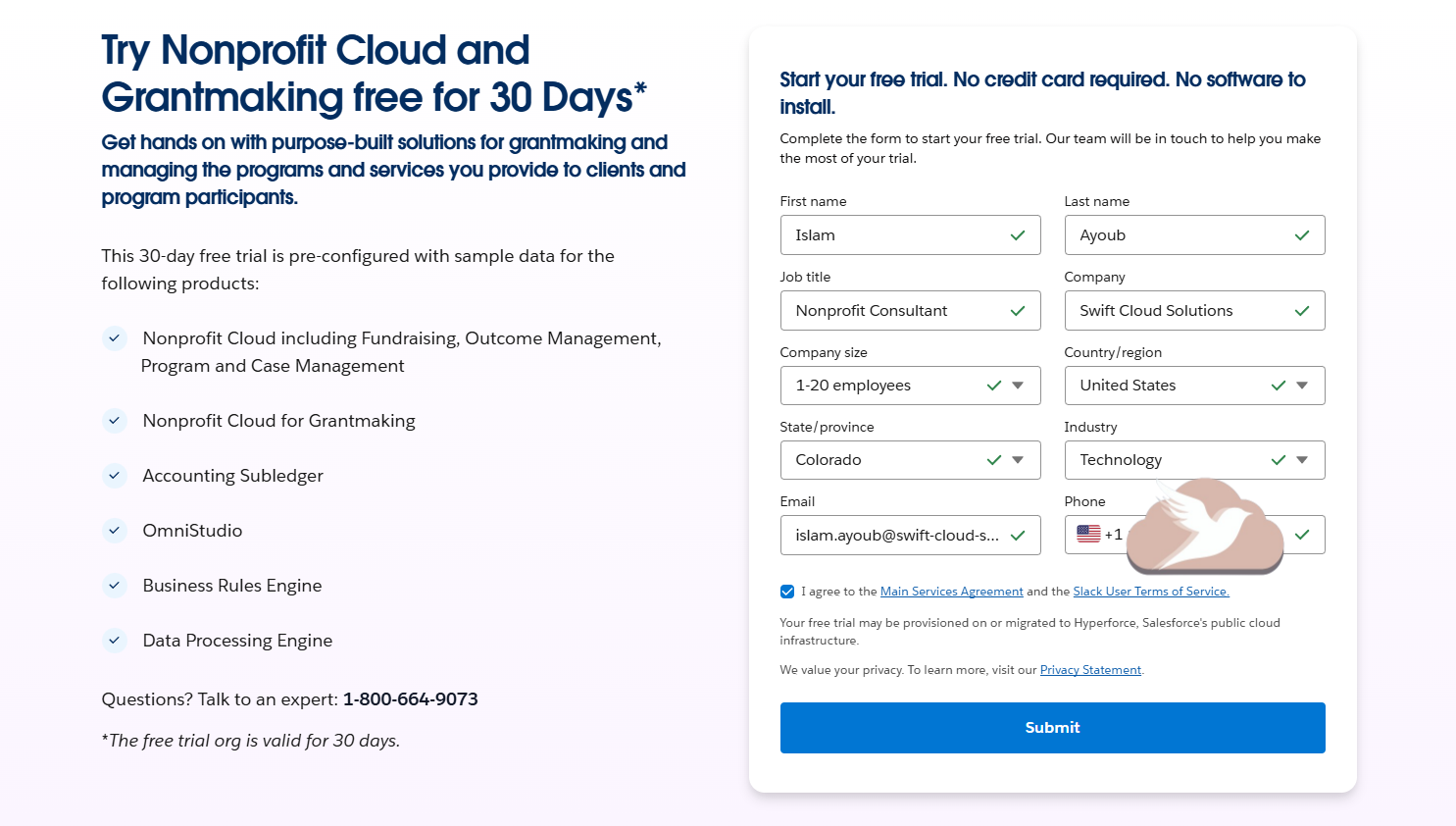
Click Sign Up under Nonprofit Cloud and Grantmaking * Free Trial or visit this link.
Fill in the required fields
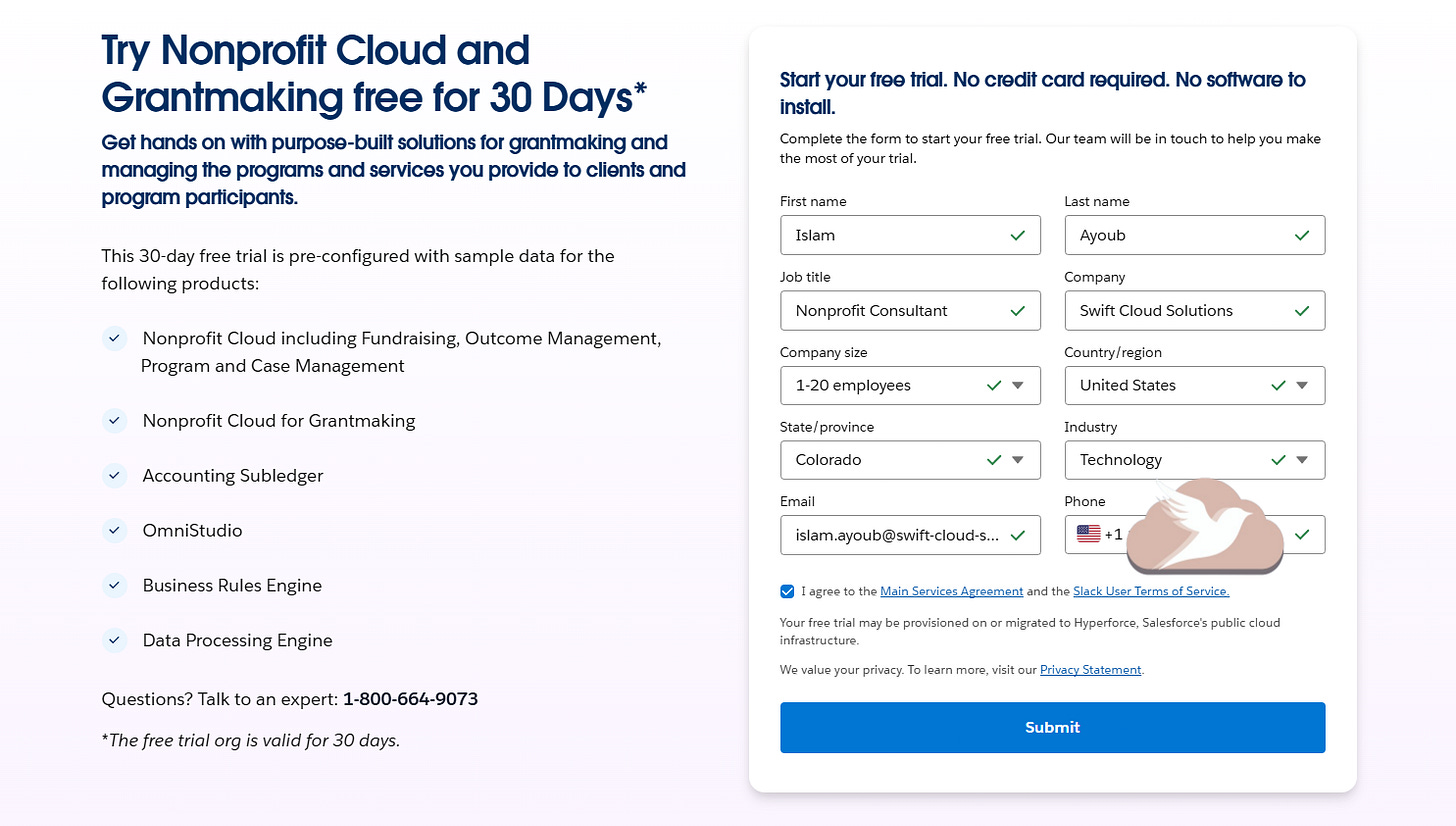
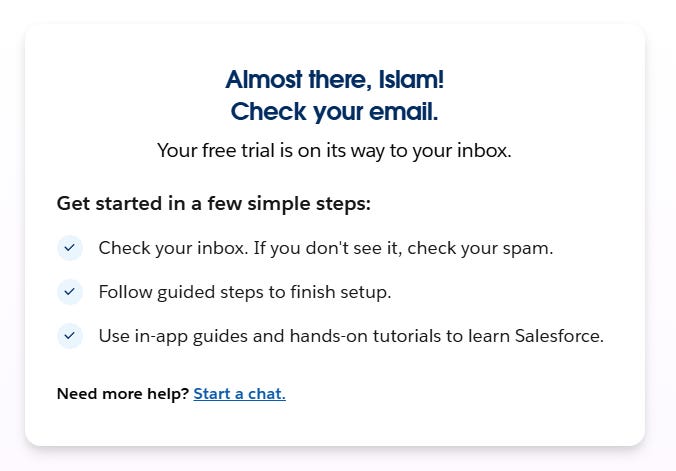
Submit. You should get an email
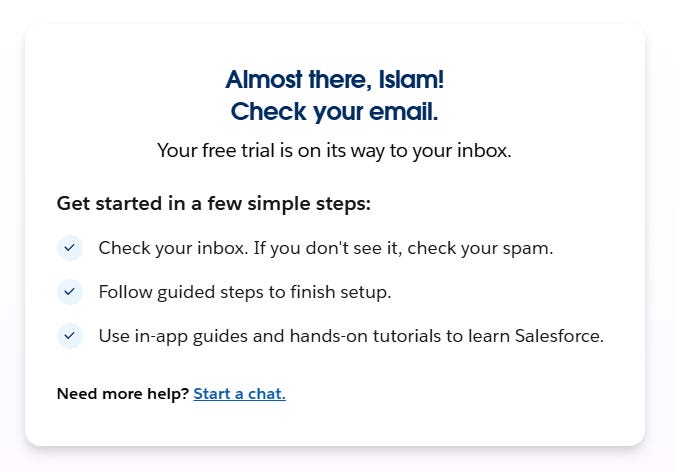
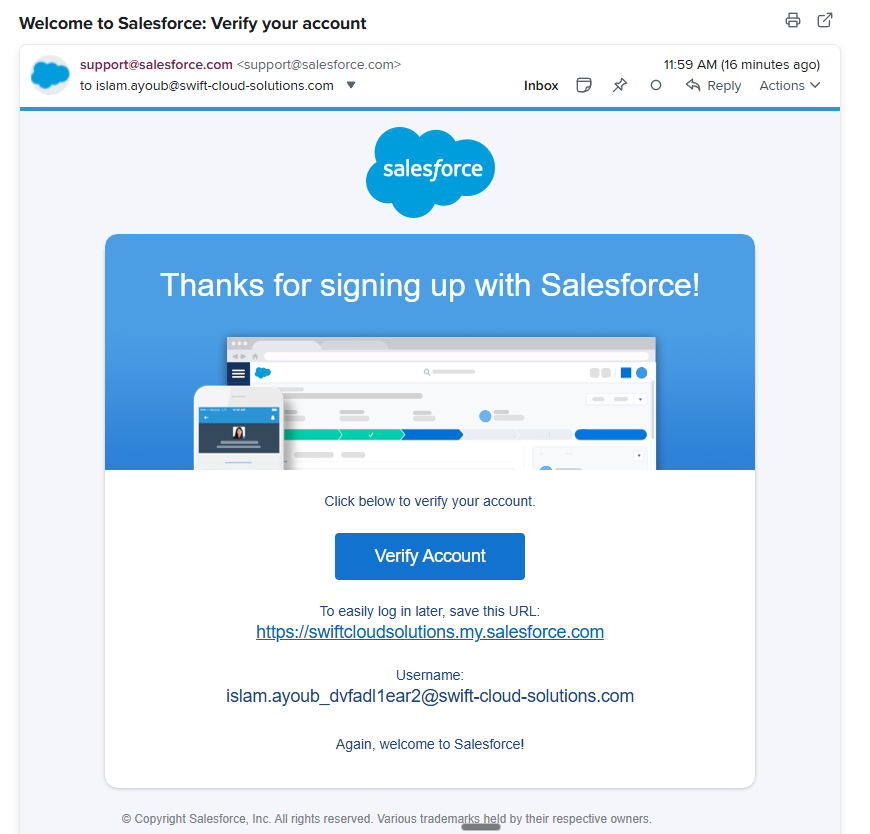
In the email you receive, you will have the following information
Org URL
Your Username
A Clickable link/button to set your password, it reads “Verify Account”
This is what the email looks like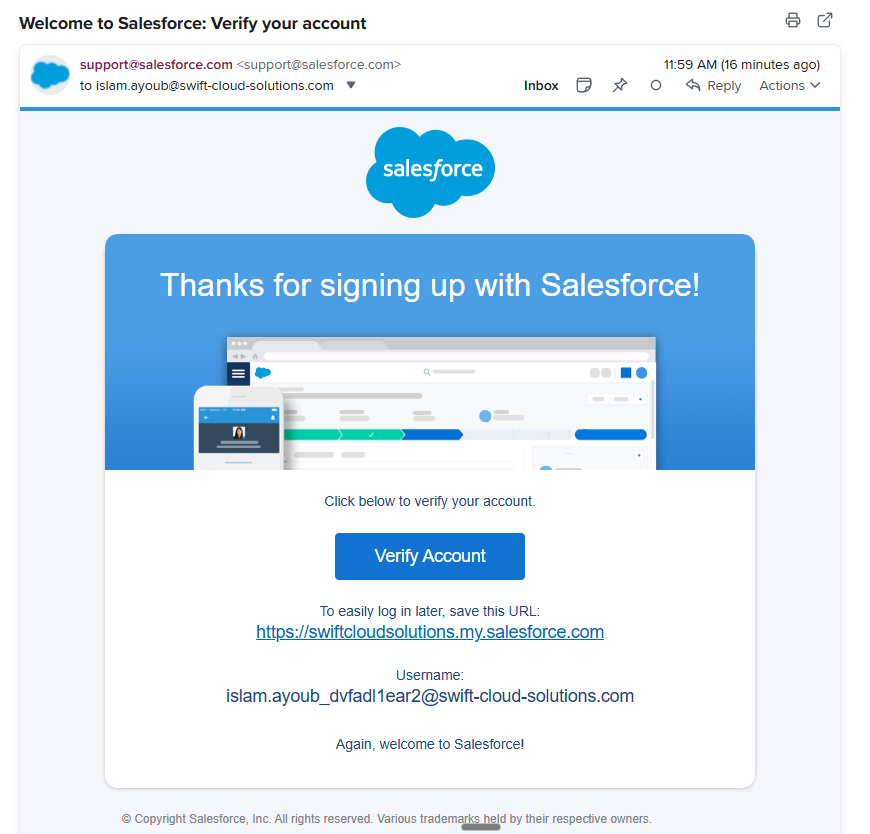
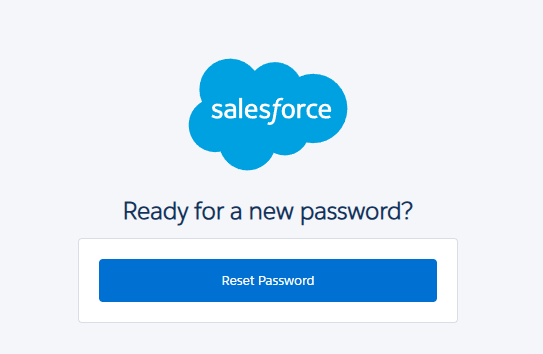
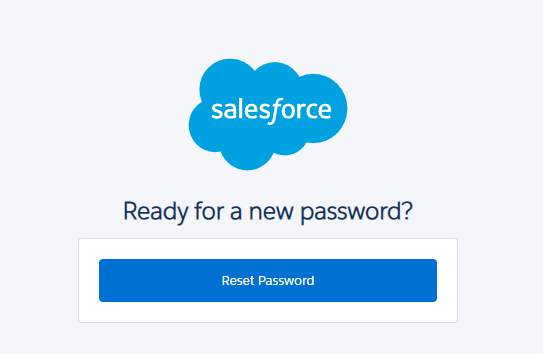
After you click “Verify Account”, you will be prompted to Reset Your Password
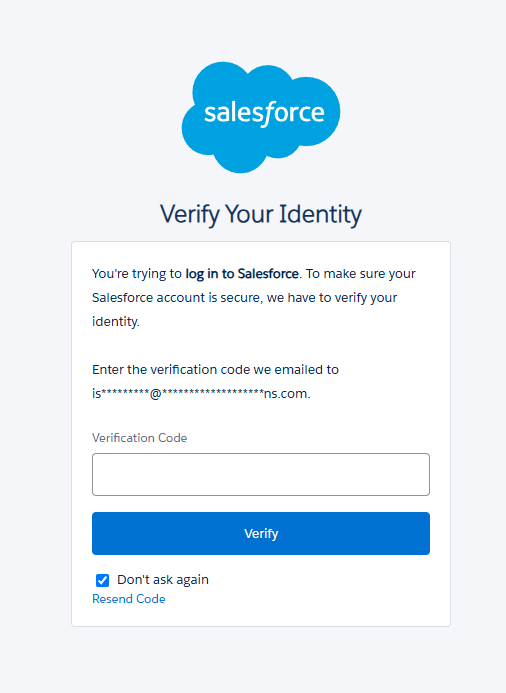
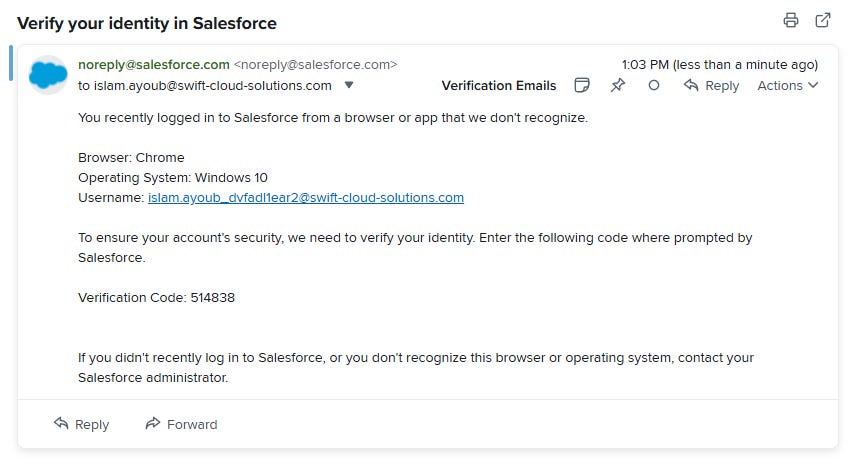
It will then ask you to verify your identity by another email
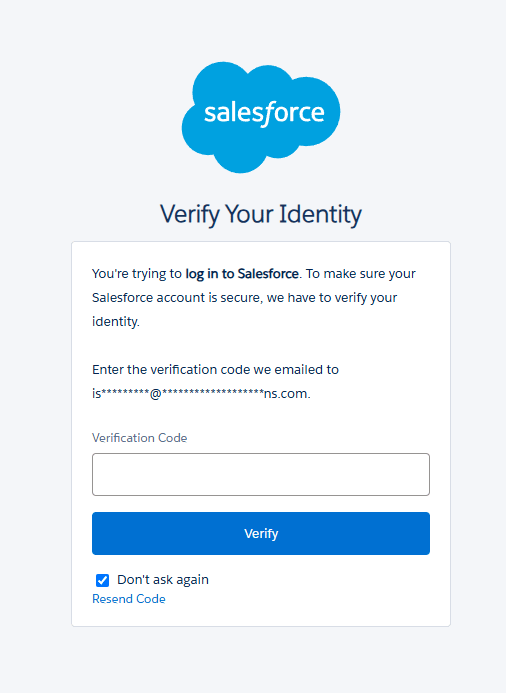
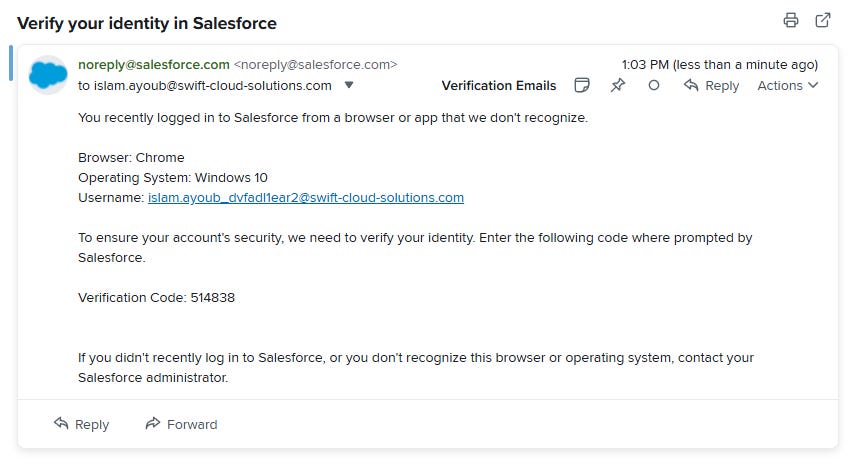
Enter the Verification Code and hit Verify
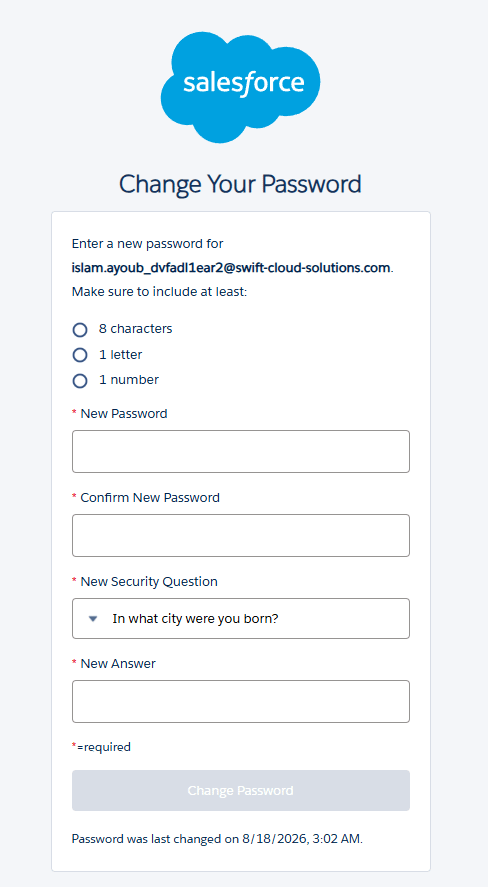
It will then ask you to enter password and security question/s, I recommend using a password manager, we use Keeper at Swift Cloud Solutions. (This is not an affiliate link)
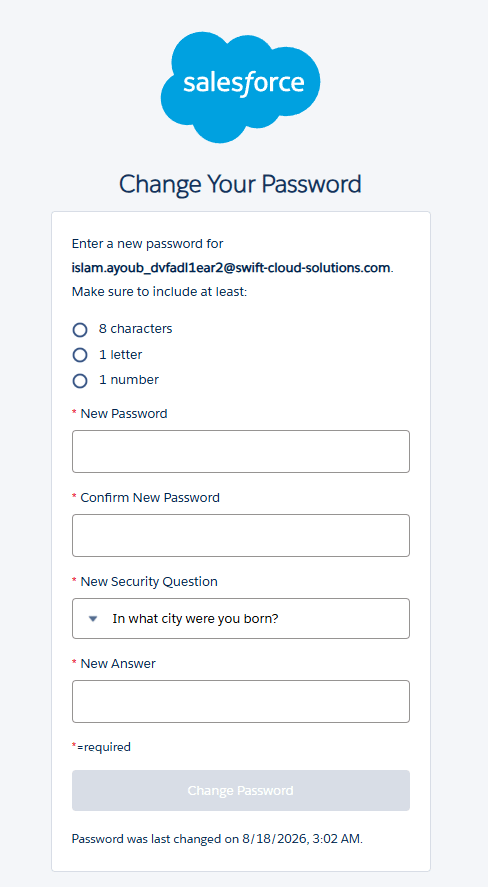
Enter all information and hit “Change Password”, remember to save this information somewhere.
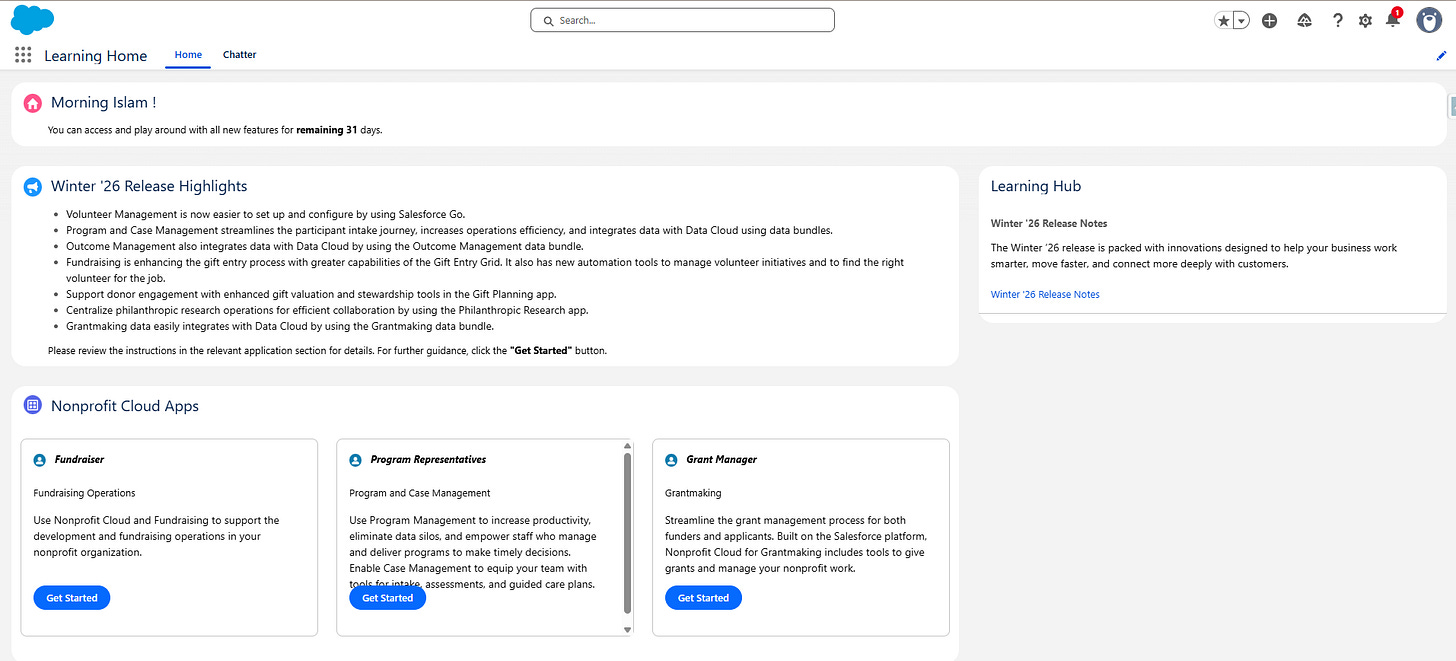
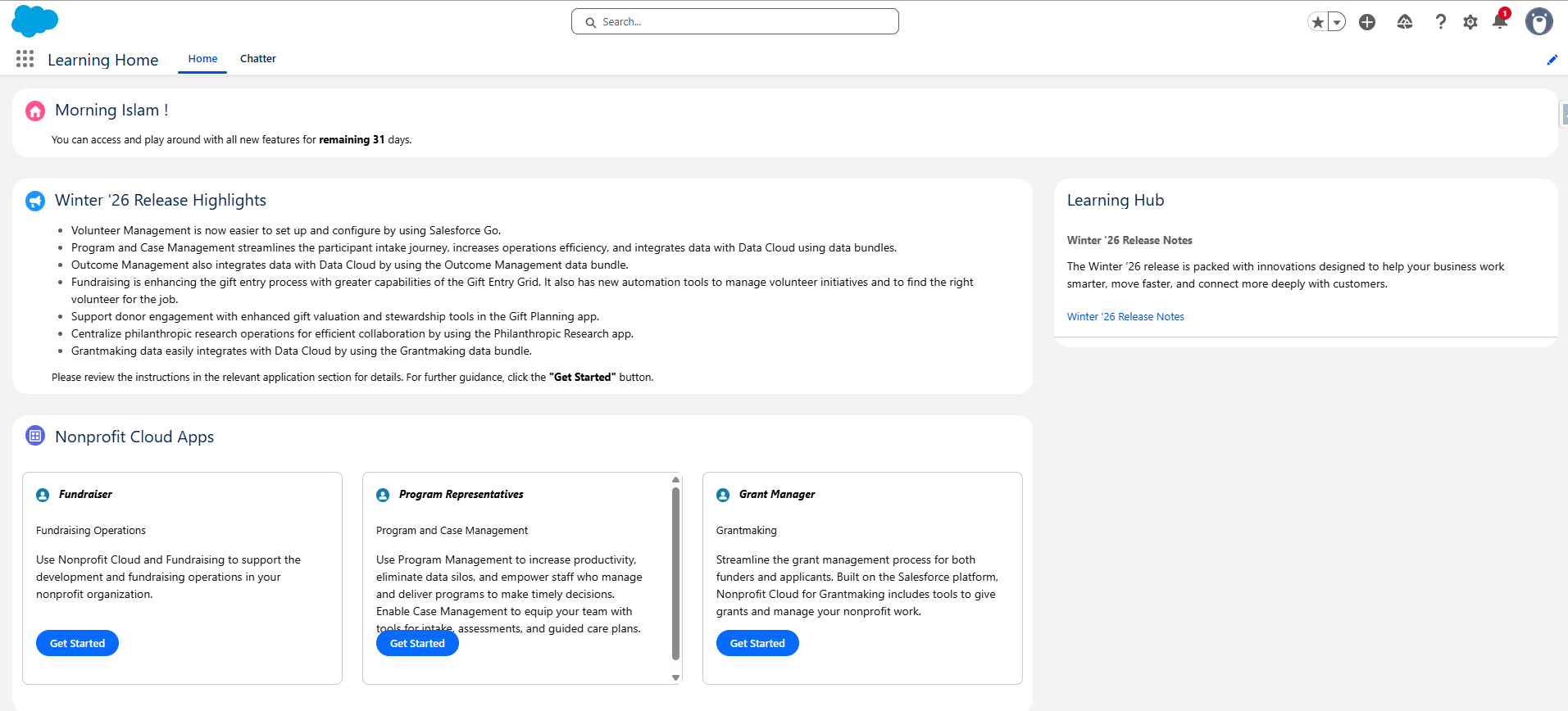
You are logged in successfully, this is what it looks like
Provisioning an Unconfigured Org
(This LINK is NOT working lol)
Click Sign Up under Nonprofit Cloud and Grantmaking* Base Trial or visit this link.
Will stop here as the link is not working, may revisit this blog post at another point in the future once this is fixed by Salesforce. We will continue covering the configurations of Program Management on the configured org, some would still be enabled and configured, we will review them anyway.